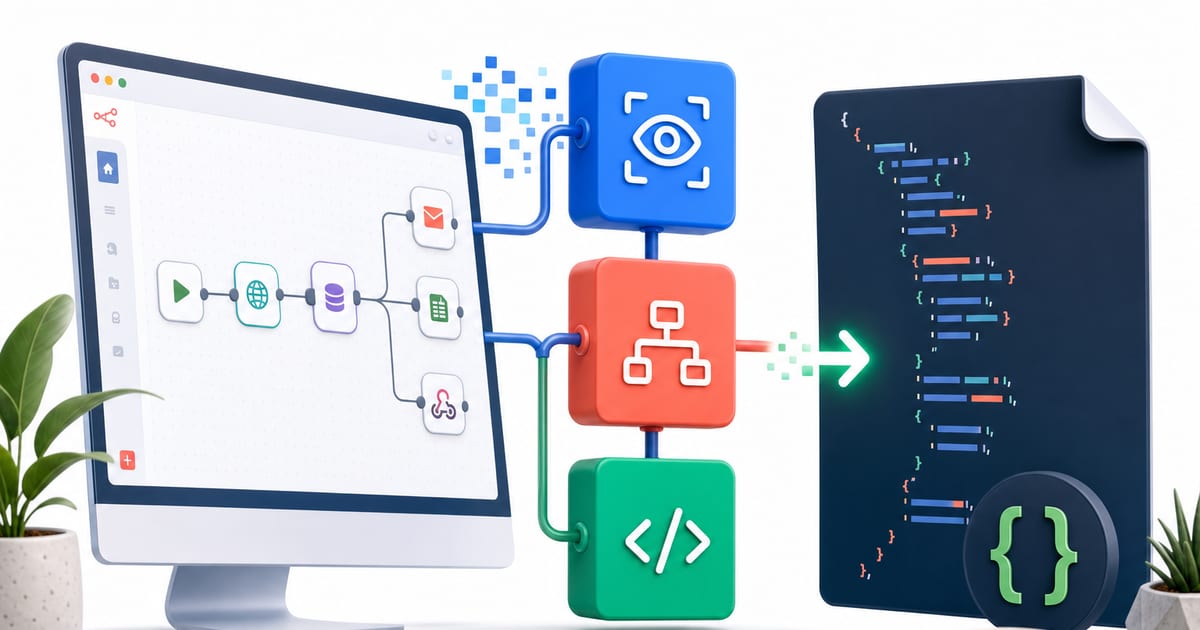
A screen recording can show a whole job without explaining it. Someone opens an inbox, checks a sender, copies a value into a customer record, compares it with a spreadsheet, sends a summary, and moves on.
You can see the work. Automation still has to survive a harder test: can the system put the job back together without dropping a step, wiring the wrong action, or importing something that looks right and fails later?
I built the n8n side of the screen-analysis project around that question. The generator does not treat the final file as a bag of text. It turns discovered automations into N8NWorkflow, N8NNode, and connection objects, then emits n8n-compatible JavaScript Object Notation (JSON). That's more ceremony than gluing strings together, but it catches a class of mistakes string assembly invites.
1. Keep the platform vocabulary narrow
Every emitted node type comes from NodeType in n8n_workflow_generator.py, an enumeration covering the triggers, language model nodes, and application integrations the generator knows how to create. Need another n8n node? I add it there before generation can use it.
That costs editing speed. A one-off node can't slip through by spelling a new identifier in a prompt. The gain is sharper failure: unsupported platform names fail in Python instead of hiding inside an importable file.
Agent configurations in n8n_agent_templates.py work the same way. AgentTemplate names the available patterns; AgentConfig carries the prompt, tools, integrations, trigger preferences, model choice, temperature, and iteration limit. The prompt gets one field. It doesn't double as the container for everything else.
from __future__ import annotations

from dataclasses import dataclass, field
from enum import Enum
from typing import List


class AgentTemplate(Enum):
    EMAIL_TRIAGE = "email_triage"
    CRM_DATA_SYNC = "crm_data_sync"
    CALENDAR_ASSISTANT = "calendar_assistant"
    DOCUMENT_PROCESSOR = "document_processor"
    COMMUNICATION_ROUTER = "communication_router"
    REPORT_GENERATOR = "report_generator"
    LEAD_QUALIFIER = "lead_qualifier"
    TASK_MANAGER = "task_manager"
    VOICE_ASSISTANT = "voice_assistant"
    MULTI_AGENT_ORCHESTRATOR = "multi_agent_orchestrator"


@dataclass
class AgentConfig:
    name: str
    description: str
    template: AgentTemplate
    system_prompt: str
    tools: List[str] = field(default_factory=list)
    integrations: List[str] = field(default_factory=list)
    triggers: List[str] = field(default_factory=list)
    llm_model: str = "gemini-2.5-flash"
    temperature: float = 0.7
    max_iterations: int = 10
The schema is also a constraint. If a new automation needs a concept AgentConfig cannot express, I extend the model first. Experiments get slower, and the export path stays honest.
2. Build objects before JSON
The generator's structured form is the n8n graph itself: nodes plus named connections. There's no second private graph format sitting behind it. N8NWorkflow, N8NNode, and connection records are the representation between analysis results and the saved JSON file.
That distinction matters. A detected step such as “classify this email” is mapped to concrete n8n nodes only when the generator has enough context to choose a trigger, model, integration, and connection order. Positioning is computed separately from identity, so the canvas stays readable without tying layout to node IDs.
The tradeoff is flexibility. Deterministic placement cannot match a hand-arranged canvas, and typed construction is heavier than editing a JSON file directly. For generated automations, I prefer predictable inspection over perfect visual layout.
The core object shape is simple:
from __future__ import annotations

from dataclasses import dataclass, field
from typing import Any, Dict, List


@dataclass
class N8NNode:
    id: str
    name: str
    type: str
    position: List[int]
    parameters: Dict[str, Any] = field(default_factory=dict)
    credentials: Dict[str, Any] = field(default_factory=dict)
    type_version: float = 1.0

    def to_dict(self) -> Dict[str, Any]:
        node_dict = {
            "id": self.id,
            "name": self.name,
            "type": self.type,
            "position": self.position,
            "parameters": self.parameters,
            "typeVersion": self.type_version,
        }
        if self.credentials:
            node_dict["credentials"] = self.credentials
        return node_dict
This is the part that makes the JSON feel like generated code. The object owns identity, type, parameters, credentials, version, and position before serialization happens. By the time the file exists, the important decisions have already passed through inspectable Python structures.
3. Treat import as deployment state
Generation ends at a file; operation begins when that file reaches n8n through the Representational State Transfer (REST) API. In n8n_importer.py, importer failures have a named exception, and import progress has explicit states.
from enum import Enum


class N8NError(Exception):
    """Custom exception for n8n API errors."""


class ImportStatus(Enum):
    PENDING = "pending"
    IMPORTING = "importing"
    SUCCESS = "success"
    FAILED = "failed"
    REQUIRES_CREDENTIALS = "requires_credentials"
A credential problem and a failed import need different recovery paths, so they get different labels. The deploy flow can generate automations, create supporting agent files, import them, and leave activation switched off while credentials are handled.
That separation removes convenience. One button that generates, imports, credentials, and activates would be faster for a demo. In production, splitting those actions makes partial failure recoverable.
4. The table I test against
| Layer | Question it answers |
|---|---|
AgentTemplate | Which automation pattern is being built? |
AgentConfig | Which prompt, tools, integrations, trigger, and model settings describe it? |
NodeType | Which n8n identifiers may be emitted? |
N8NWorkflow / N8NNode | Which graph becomes JSON? |
ImportStatus / N8NError | What happened when the artifact reached n8n? |
This costs more than string interpolation: extra enums, dataclasses, object construction, save steps, and importer reports. It also makes schema changes explicit. I pay the cost because automations inferred from screen recordings already start with uncertainty; the export path should reduce it.
Workflow JSON is code the moment it can move data, call models, and route work. Treating it as generated code is how I keep a discovered process from becoming an imported accident.